Deadpool
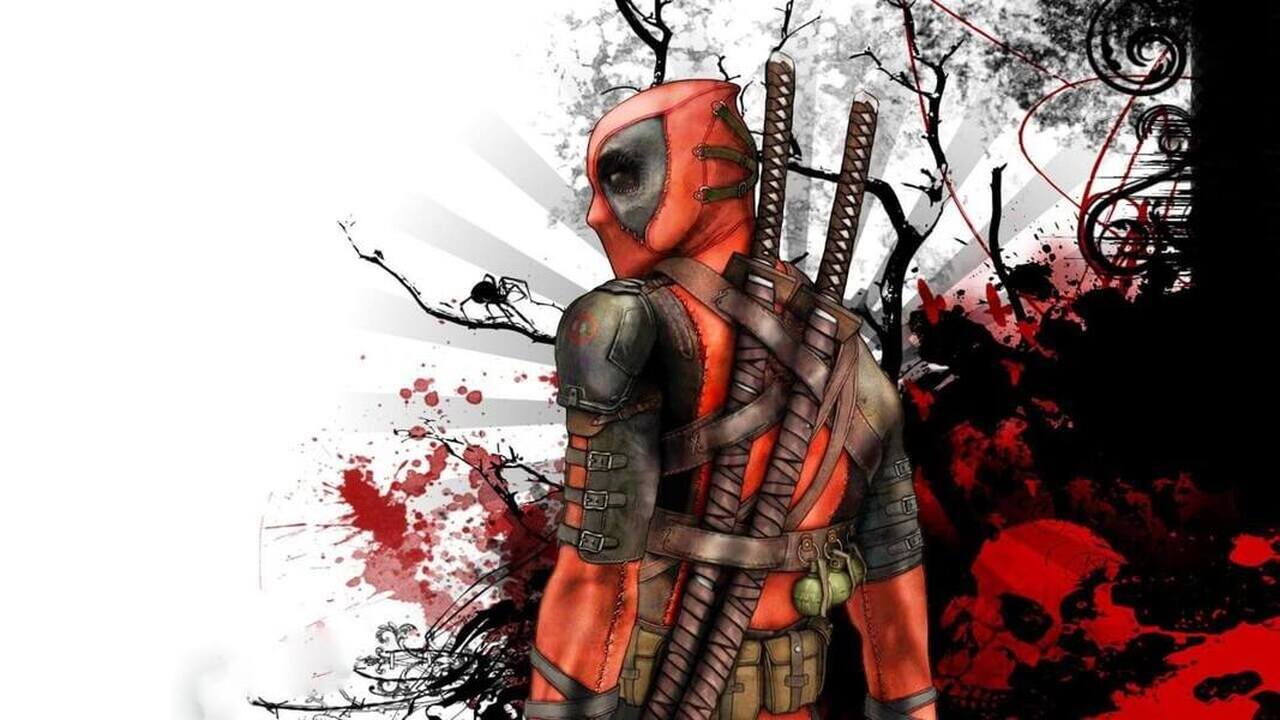
The game frequently breaks the fourth wall by having Deadpool verbally interact with the player based on their skill and progress. By default, Deadpool is armed with both guns and swords, but he also
No registration required
Secure • Fast • Free
About Deadpool
System requirements for Deadpool
Minimum
- os
- N/A
- cpu
- N/A
- ram
- N/A
- gpu
- N/A
- storage
- N/A
- directx
- N/A
Recommended
- os
- N/A
- cpu
- N/A
- ram
- N/A
- gpu
- N/A
- storage
- N/A
- directx
- N/A
How to install Deadpool
Home
/
Games
/
Deadpool
Install Lutris from either flathub (software store) or your distro's respository. Honestly just take whichever one is on a higher version number
Download the file from the wonderful ankergames
In lutris - select the plus icon in the top left. Select "add locally installed game"
Extract the contents of deadpool, under the binaries folder look for "dp.exe" it has a deadpool logo so it shouldn't be difficult
Under "executable" in lutris, add the location of dp.exe so it should something like usr/home/downloads/dp_ankergames/binaries/dp.exe
Under "working folder", you add the location of the binaries + redist + transgame folder so it should look like usr/home/downloads/dp_ankergames DO NOT ADD the specific folder locations. (usr/home../binaries and usr/home.../redist BIG NO NO)
Under "wine prefix", make a prefix folder or just an empty folder somewhere you'll remember and add it. Like usr/home/prefix_for_akgames_deadpool
Then you're ready to go! There's other things you can add like an fps counter or gamemode but just focus on running it. And under proton, make sure you're using Proton-GE latest or a recent version, as far as I'm aware lutris will download it but if it does not, get it from the official instructions or some proton installer like proton-upqt which should be in your software store. If you don't do this and it fails to run, redo your prefix folder. It generates files based on this.
Player Statistics
Community Reviews
Share your experience to help others — and help Google understand this game better.